
Motion Control 2.0: What's New and How to Use It
Motion Control 2.0 is a major upgrade to how you bring movement to your creations in Kira. It gives you more freedom, fewer limits, and a new way to guide motion using your own words.
This guide covers what changed, what's new, and how to use it.
What Changed
We upgraded Motion Control from the ground up to remove the limits that used to get in your way.
Fewer restrictions: Motion Control now supports a much wider range of movement and types of video, so you can push your scenes further and explore ideas that weren't possible before.
More reliable results: The upgraded engine handles complex motion more smoothly and predictably.
Reference Video:
Output:
What's New: Prompt-Guided Motion
Motion Control is now more powerful than ever with prompt guidance built directly into the creation flow.
Add a prompt while creating Motion Control to describe exactly what you want to change or animate.
Edit details like hair color, outfits, body appearance, accessories, and more, all with natural language.
Guide movement and visual changes at the same time for more precise, intentional results.
Combine prompts with Motion Control settings to unlock entirely new creative possibilities.
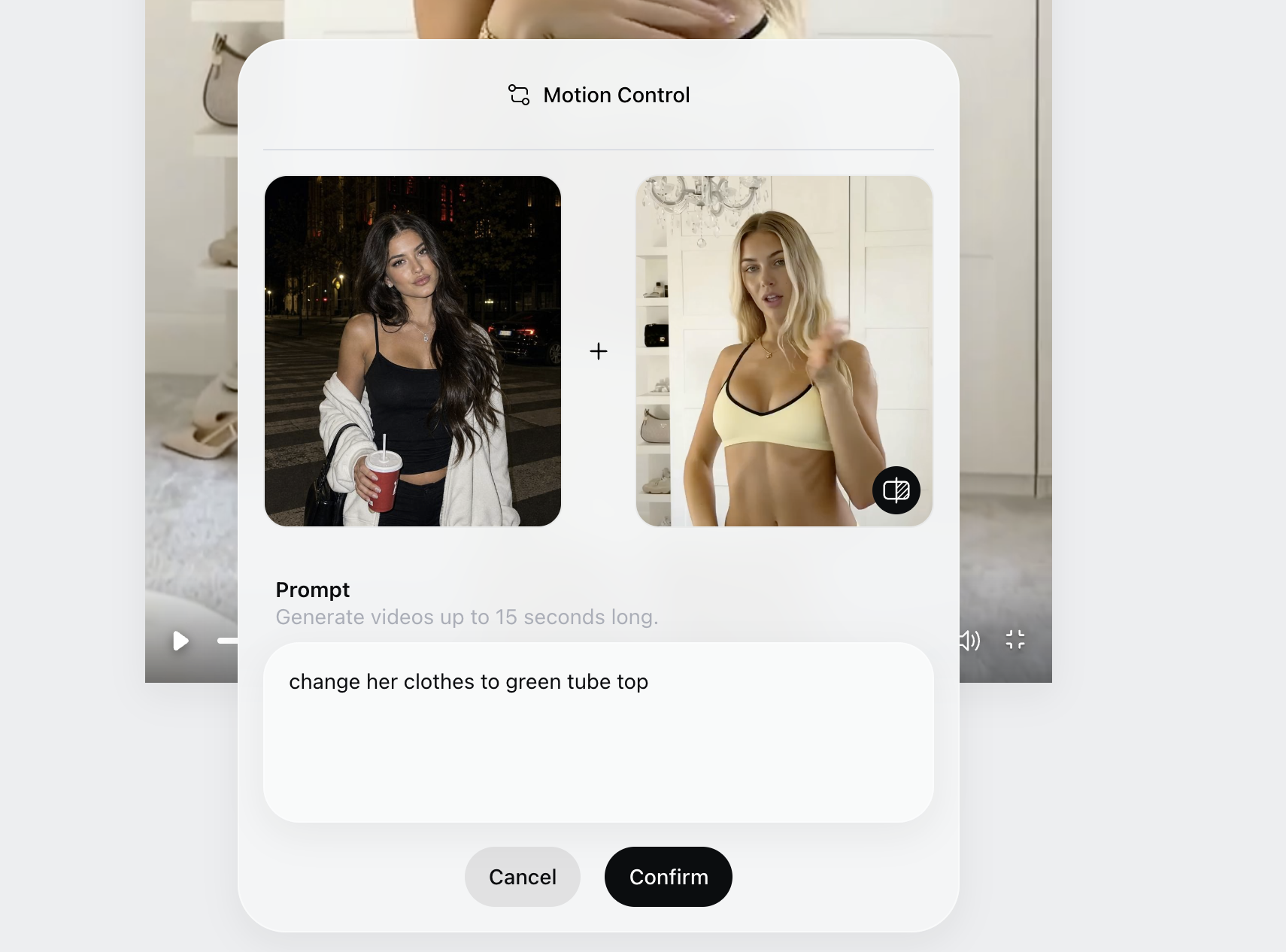
How to Use Motion Control 2.0
Open Kira and start a new creation, or select an existing image.
Choose Motion Control from the tools.
Add a prompt describing the motion you want (for example, the direction, speed, or style of movement).
Adjust any additional settings to fine-tune the result.
Generate, then preview your creation and refine the prompt if you want a different result.
Tips for Best Results
Be specific in your prompt. Clear descriptions of movement lead to more accurate results.
Be creative with your reference video.
Start simple, then iterate. Generate once, see how it moves, and refine your prompt.
Take advantage of the fewer restrictions to experiment with bolder, more dynamic motion.
If you run into any issues with Motion Control, reach out to our support team and we'll be happy to help.