
Kira 4.5: Smarter Models, Sharper Edits
Released: May.02.2026
Kira 4.5 is our biggest model and editing upgrade yet.
Three model tiers, smarter, faster, and sharper. A full upgrade of photo editing. Video edit and expand can now follow a reference for our strongest consistency yet.
From a single idea to a finished image or video, closer to what you imagined, every time.
What's New in Kira 4.5
Smarter Models, Three Ways
Every Kira model has been upgraded: more speed, more intelligence, and a smarter language model behind the scenes.
Kira Lite 4.5 — faster than ever, perfect for quick ideas and rapid iteration.
Kira Nova 4.5 — a smarter language model, sharper prompt understanding, higher-quality results.
Kira Ultra 4.5 — our best quality tier, upgraded language and image model, now with our strongest consistency yet.
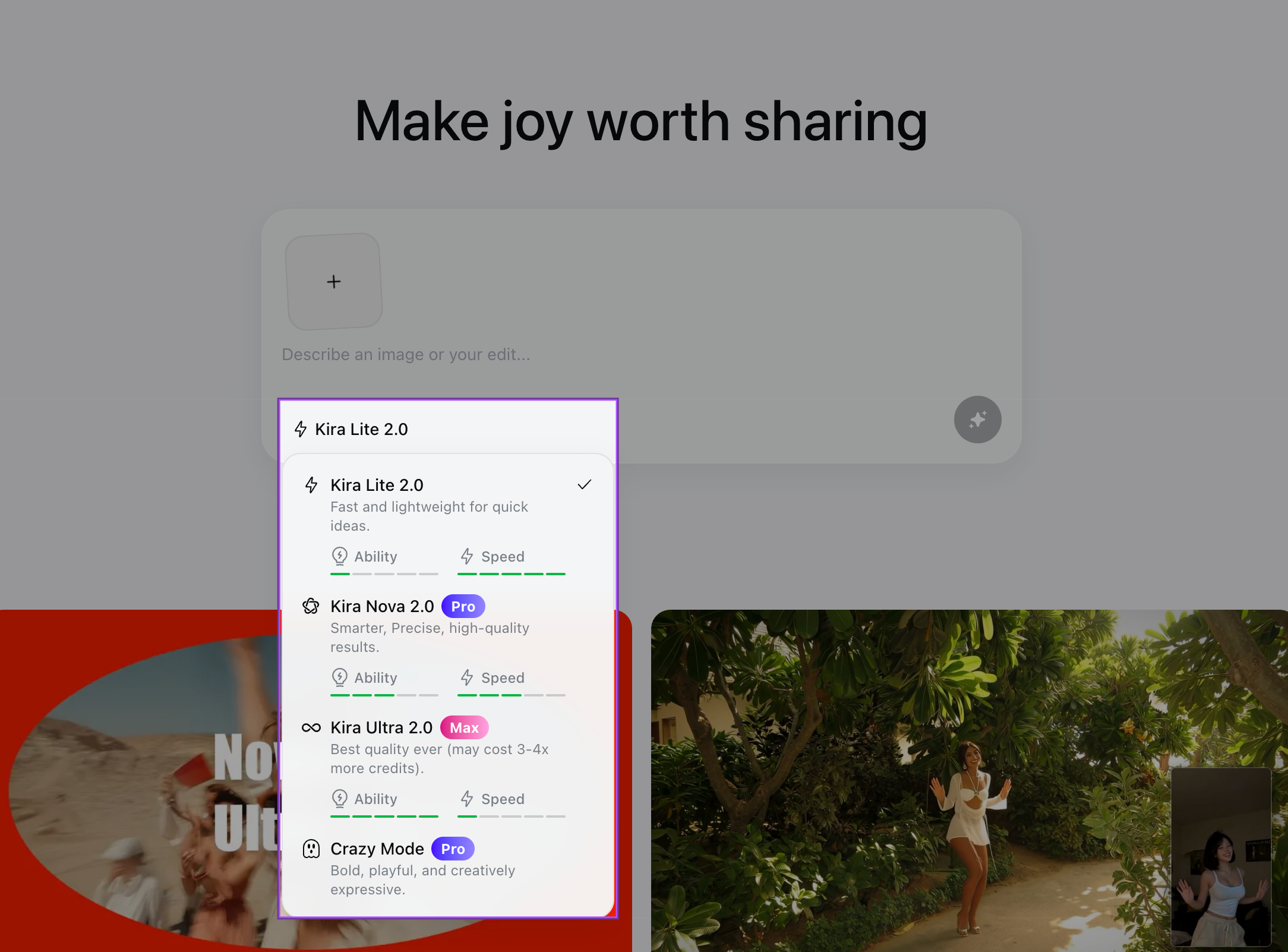
Photo Editing, Fully Upgraded
Every photo editing tool got a quality upgrade.
Cleaner inpaint, sharper retouches, and stronger background replacement.
Edits feel more natural and stay truer to your original image.
Higher fidelity across faces, objects, and fine detail.
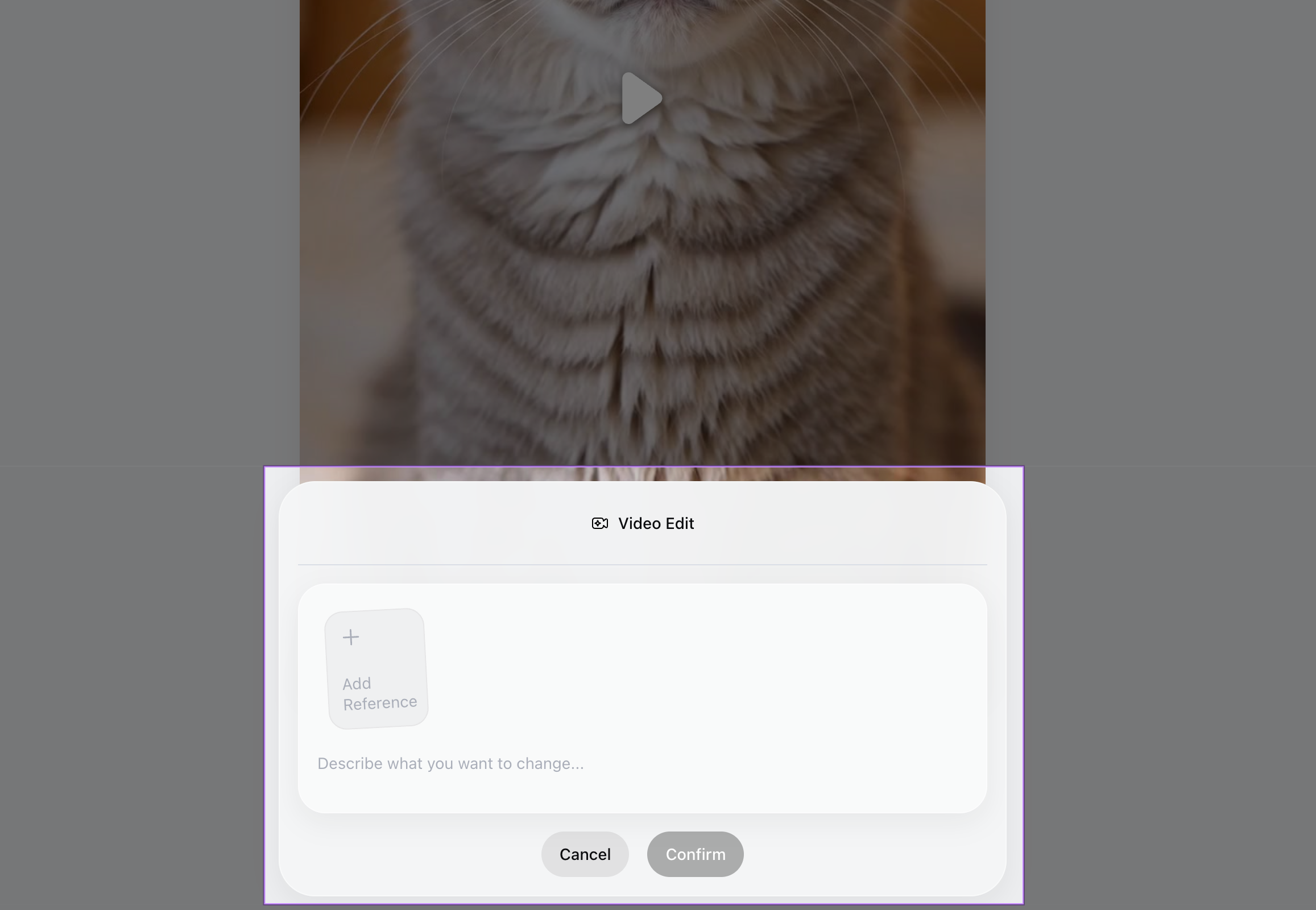
Video Edit + Expand Now Support References
Reference your own image or video when editing or expanding a clip, and watch consistency hold up frame after frame.
Drop in a reference to lock characters, styles, or scenes across edits.
Expand video in any direction without losing the look.
Our strongest video consistency yet, built for storytelling, not one-offs.
Updated Aspect Ratio Controls
We’ve simplified how aspect ratio works:
The aspect ratio selector has been removed from the home screen
It is now available directly within the editing page
Aspect ratio is tied to time line (threads), so every generation in a thread stays consistent
Video Credit Pricing
We’ve updated how video credits are calculated for better consistency and clarity:
15 credits per second across all video features
Applies to Video Generation, Video Edit, and Video Expand
How It Works
Pick your model: Lite, Nova, or Ultra, based on the speed and quality you want.
Open a thread.
Edit photos, edit videos, or expand a clip, and add a reference image or video for the tightest consistency.
Why This Matters
Better models mean better results for everyone, no special skills, no prompt-engineering tricks, just sharper output by default.
Reference-based video editing used to be a power-user feature. With Kira 4.5, anyone can edit and expand video while keeping characters, styles, and scenes consistent.
And by tying aspect ratio to threads, your work stays coherent, every generation in a thread shares the same frame, so your story holds together.
What's Next
We're already working on the next set of upgrades:
Deeper reference controls for video edit and expand.
More precision tools across photo editing.
Kira Mobile App!
As always, your feedback helps shape what comes next.