
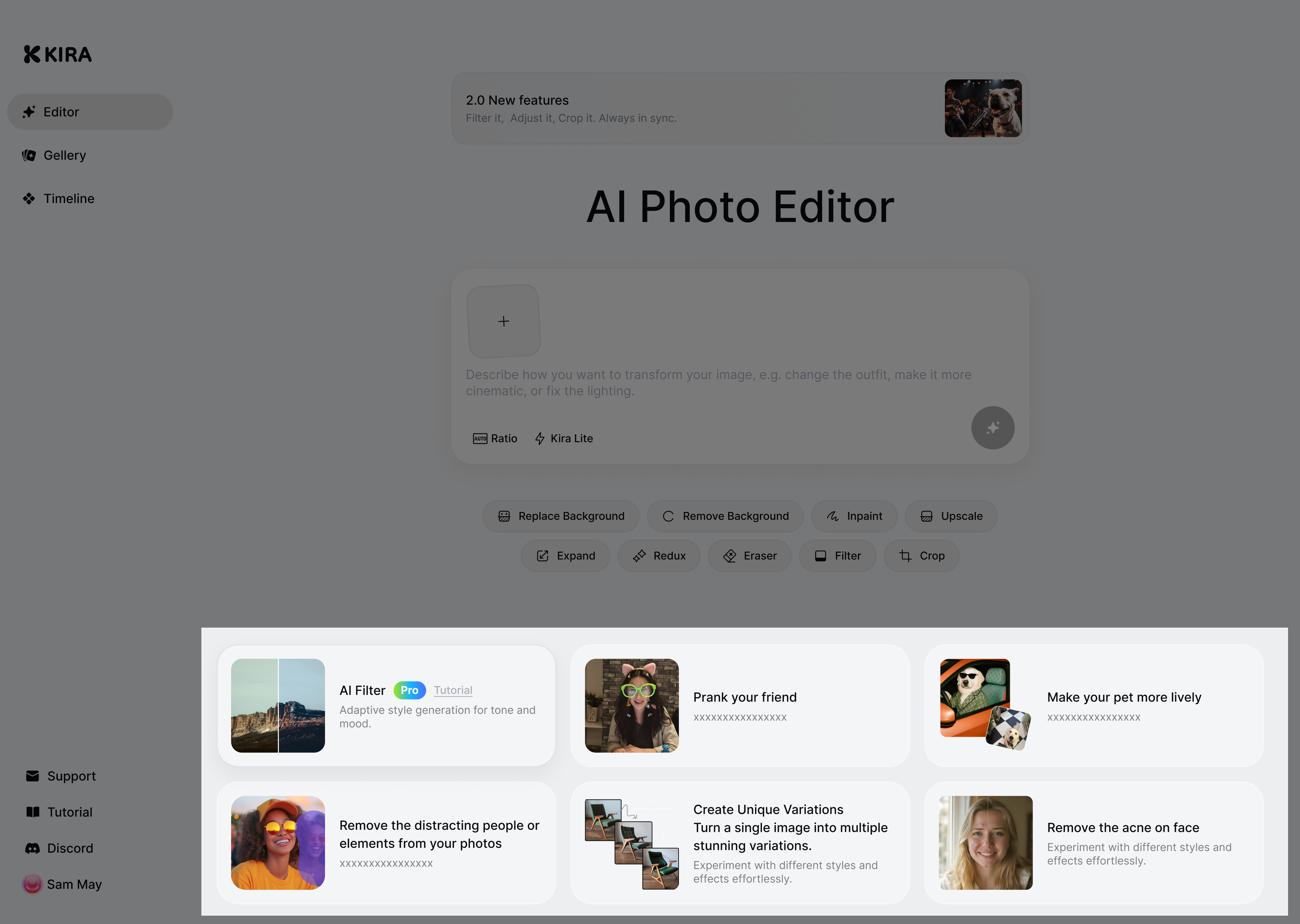
Kira 2.2: Interface & Model Updates
Released: Jan.30.2026
New Interface
Introduced a refreshed interface for a cleaner, more intuitive experience
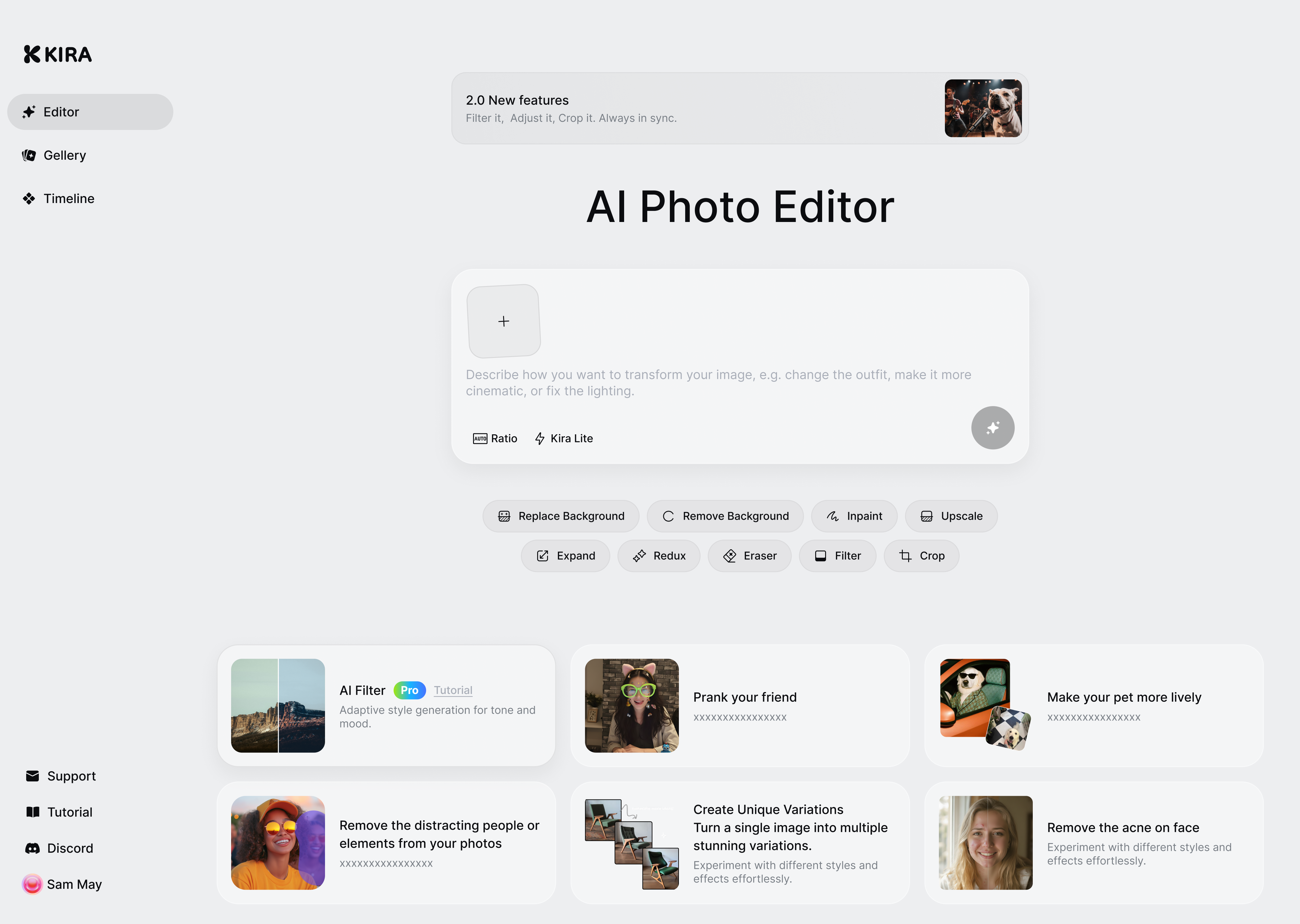
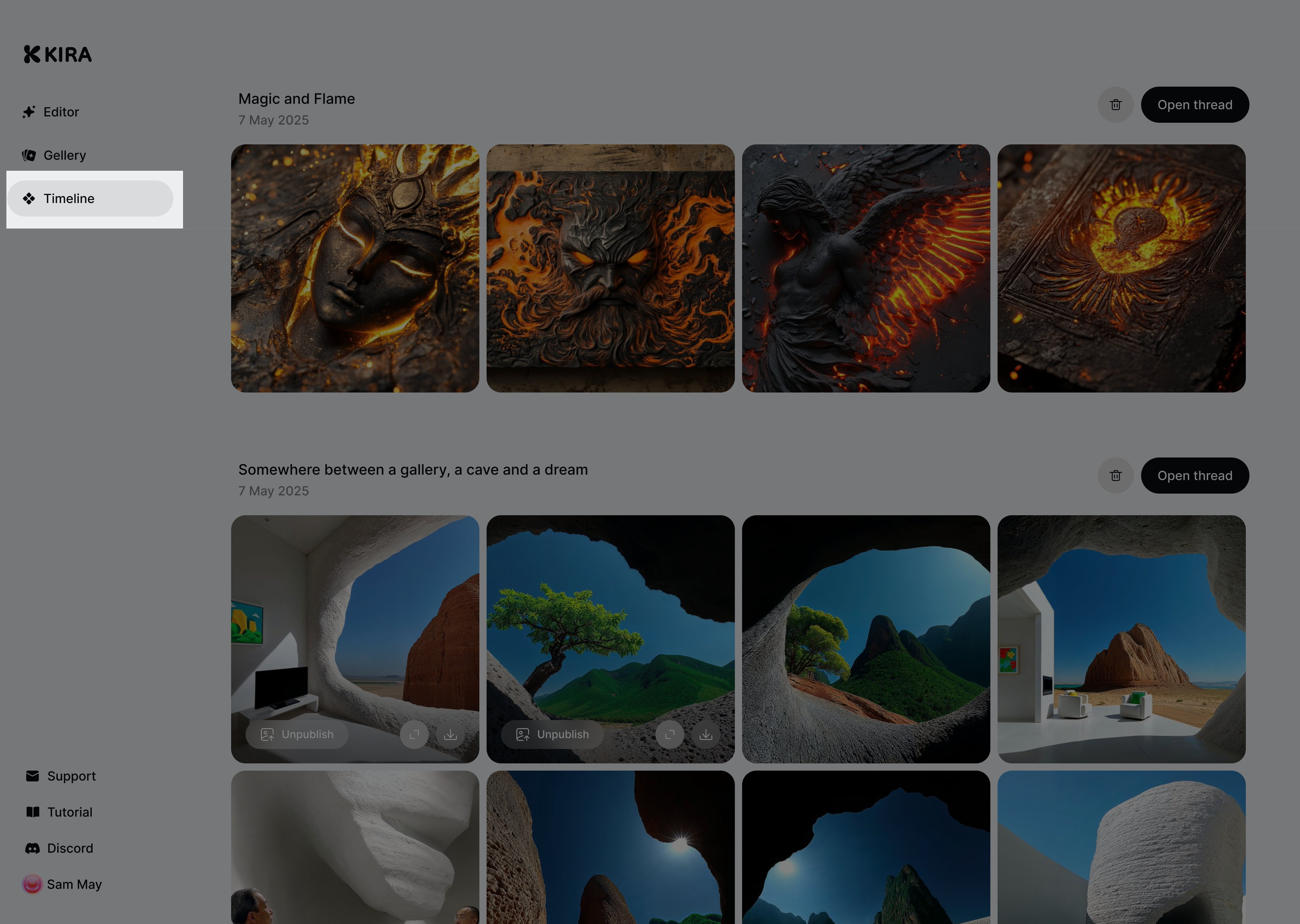
Threads are now part of the Timeline, making it easier to follow your creative flow and revisit past work
Editor Modes Update
We’ve clarified and renamed our generation modes to better reflect how they’re used:
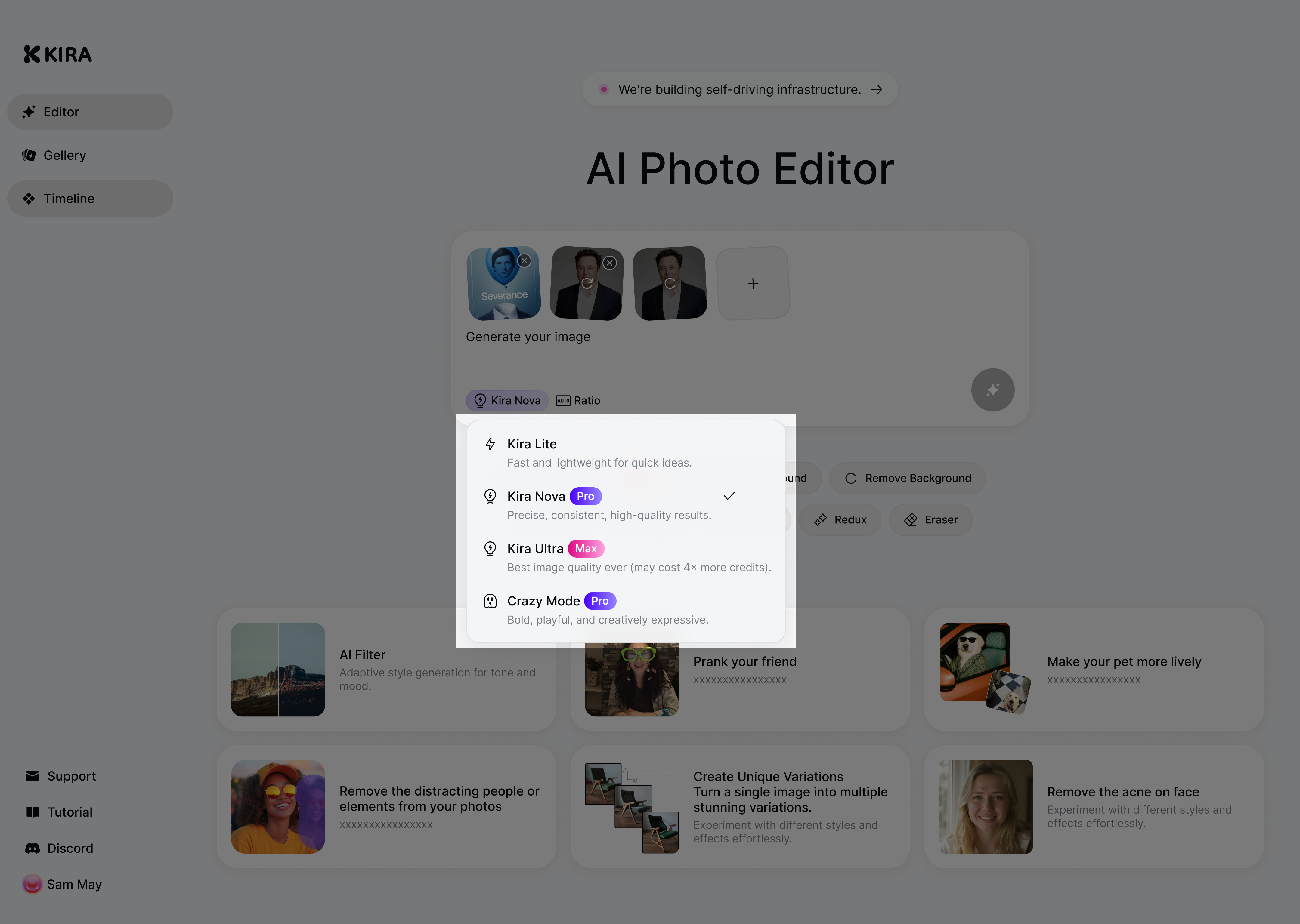
Kira Lite
Fast and lightweight
Best for quick ideas, exploration, and rapid iteration
Kira Nova
Smarter Mode, more precise
Previously thinking mode
Best for higher-quality results, more accurate edits, and complex prompts
Kira Ultra
Our most powerful mode with the best editing model available
Best for maximum quality, detail, and face consistency
May uses 4× more credits per successful generation or edit
Crazy Mode
Experimental, witty, and more expressive
Best for creative exploration, bold styles, and unexpected results
Improved Edit Model
We improved our edit models to make results more consistent across modes:
Lite Mode: improved overall editing quality and better consistency
Ultra Mode: upgraded to our most advanced (SOTA) editing model for maximum quality
Faces now stay more stable across edits, variations, and refinements
Especially noticeable when adjusting style, lighting, or making multiple edits to the same image
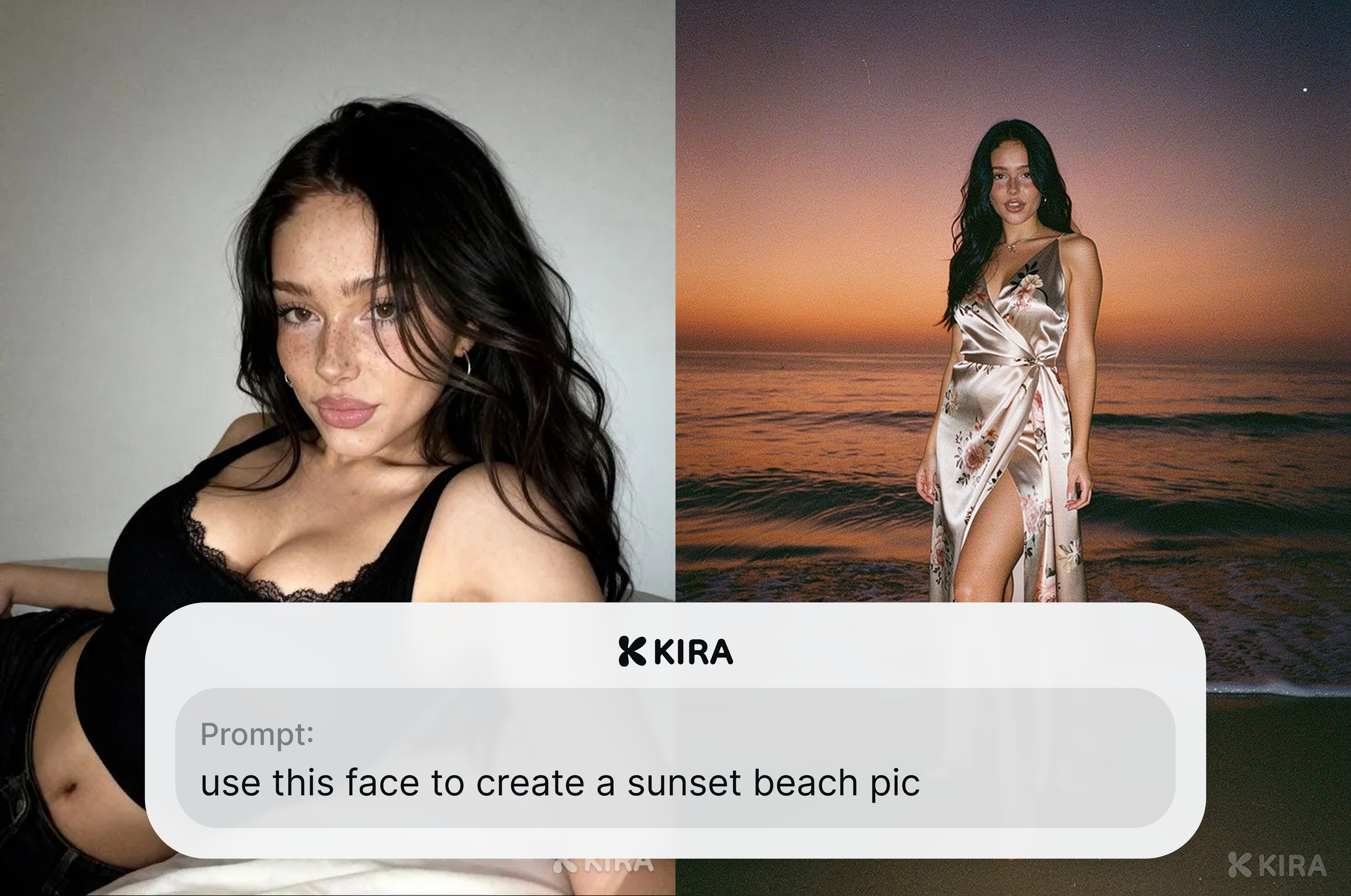
For example: users can place the same person into a new scene while keeping the face consistent.
Feature Use Case Cards
Added Use Case Cards to help users get started faster
Show real examples and walk through of what you can do with Kira
Designed to guide users on how to start and what to try next
Improvements
Clearer mode naming and selection
Smoother navigation between generation, editing, and history
Better onboarding for first-time users
Upgrade models for all modes