
Kira 2.0: AI Filter, Auto Crop, Adjust
What’s New in Kira 2.0
Cinematic photos. Perfect framing. Effortless edits.
Kira 2.0 brings our biggest upgrade yet: a smarter, faster, more intuitive editing experience powered by our new state-of-the-art AI models for both image processing and natural language understanding. Whether you want a quick glow-up or a fully polished aesthetic, Kira now handles the heavy lifting so you can focus on creativity.
AI Filter
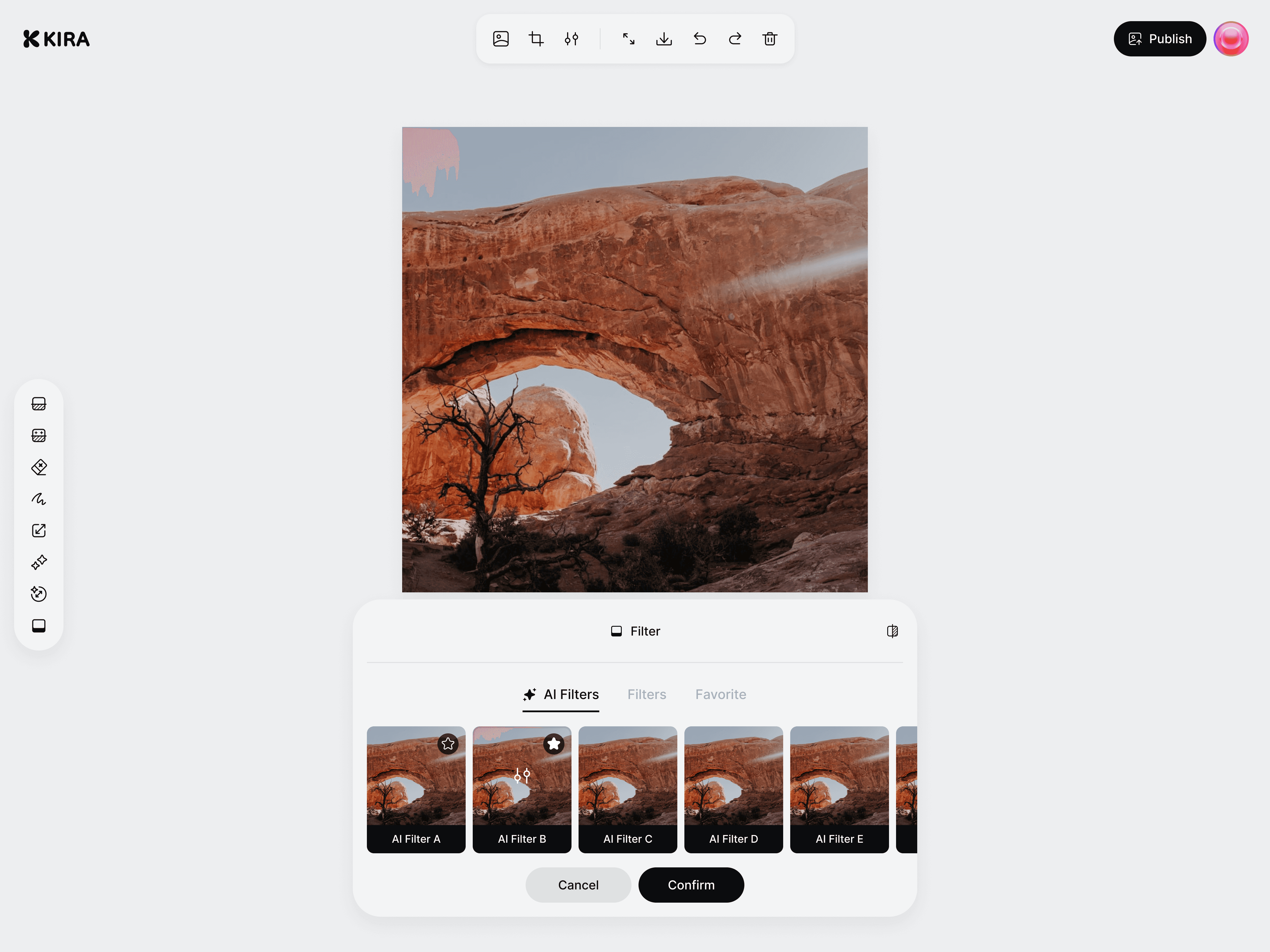
Turn everyday photos into aesthetic, cinematic edits, instantly.
Our new AI Filter understands the photo’s lighting, framing, and mood before applying enhancements. Each edit is tailored, natural, and perfectly balanced.
Intelligent, scene-aware enhancements
Film-style presets inspired by modern aesthetics
Fully adjustable with the new Edit Panel
Save your own Custom Presets for consistent looks
Auto Crop
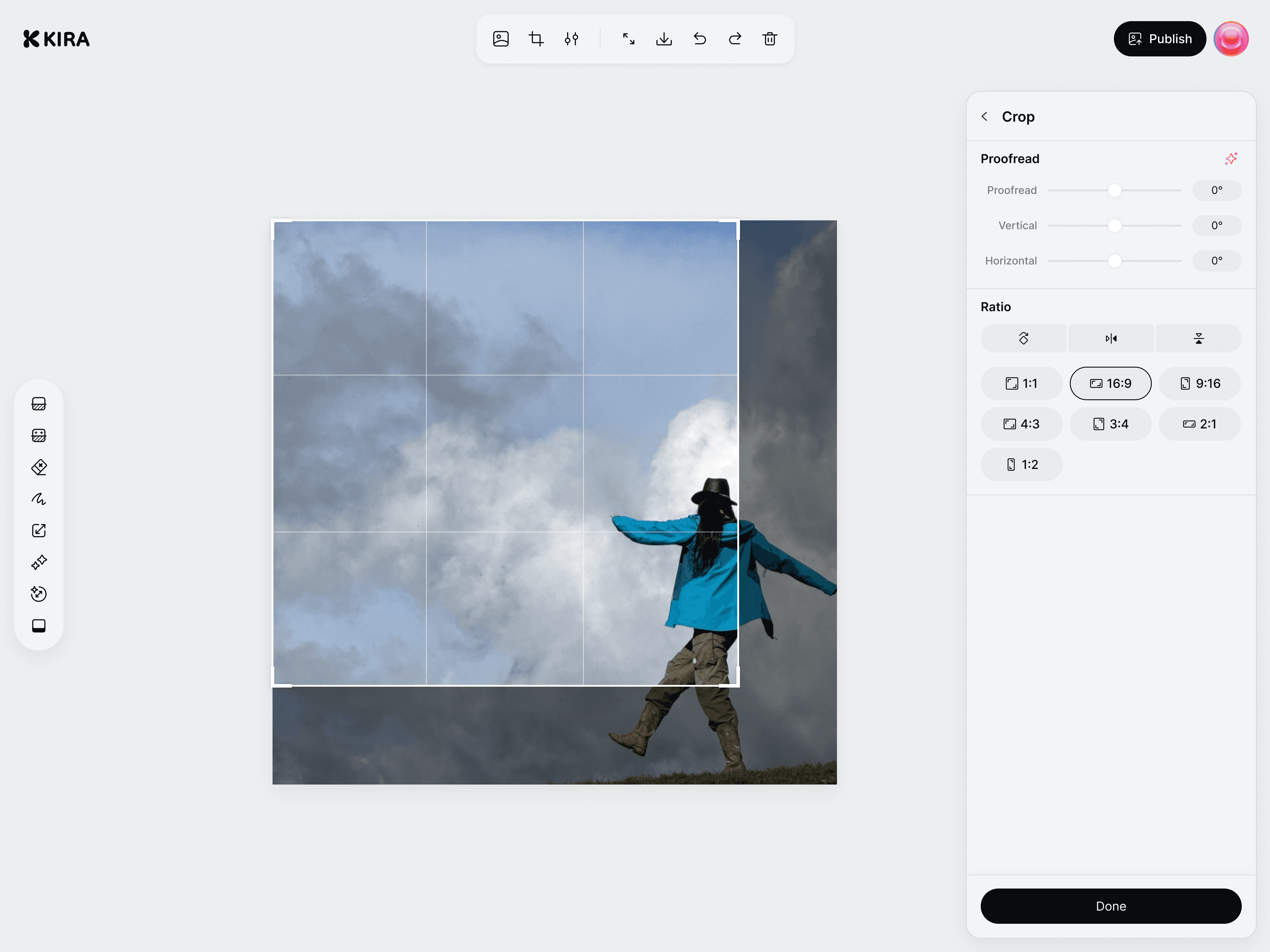
Perfect composition in one tap.
Auto Crop analyzes the subject, straightens the image, and reframes it using clean, aesthetic composition rules.
Smart subject detection
Automatic straightening
Popular ratios like 3:4, 9:16, 1:1, etc.
Advanced Adjust
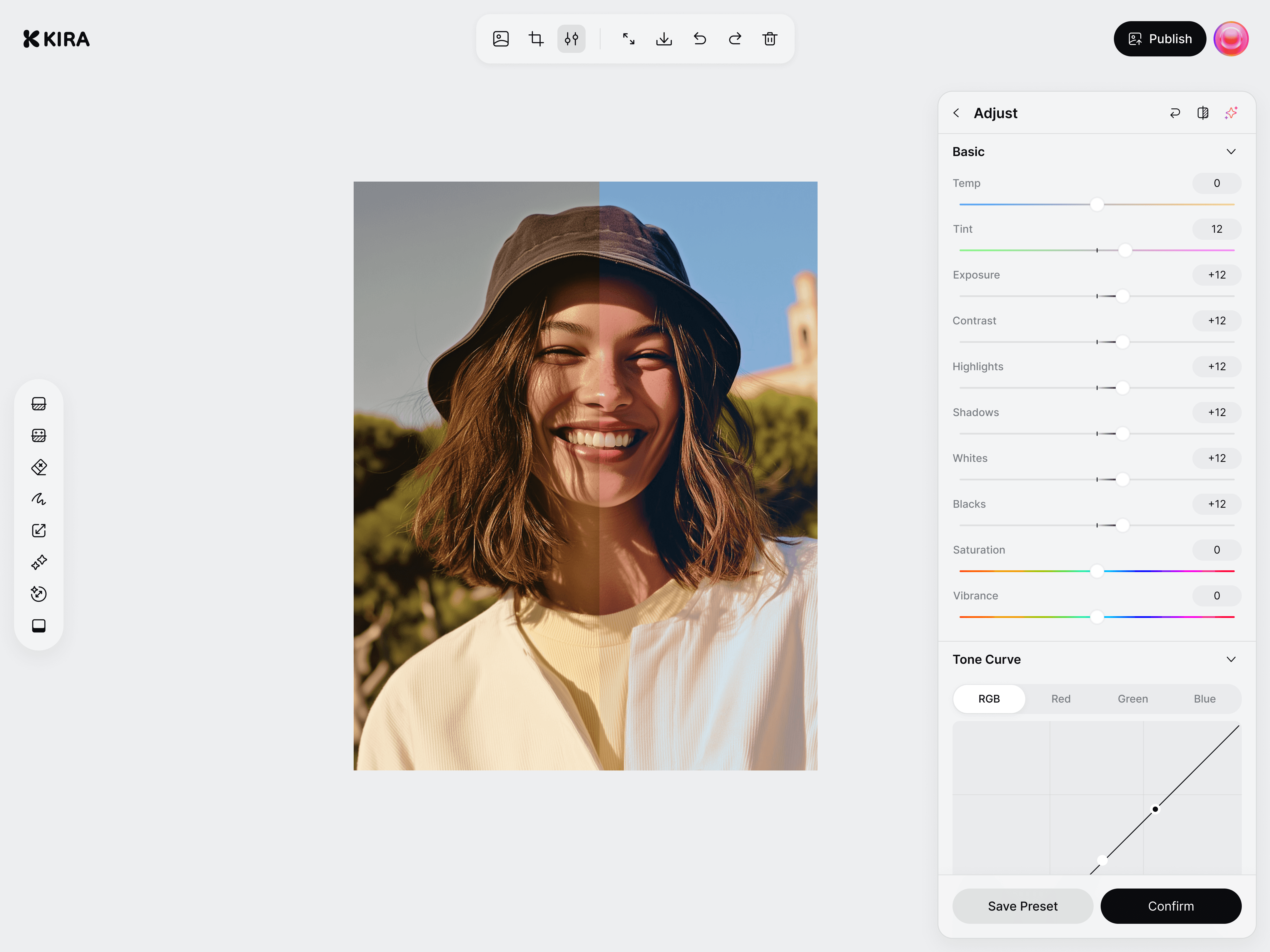
Clean, balanced lighting, instantly.
Advanced Adjust fixes the fundamentals with natural-looking corrections.
Balanced exposure for bright and dark areas
Accurate color correction
Subtle clarity boosts while preserving skin tones
Upgraded AI Engine
Built on state-of-the-art image & language models.
Kira 2.0 runs on our latest model architecture, bringing huge improvements across:
Sharper, more accurate image processing
Better face, texture, and color understanding
Faster and more stable performance on all devices
This upgrade powers everything in Kira 2.0: from filters to cropping to the way edits feel responsive in real time.
A Faster, Smoother Editing Experience
Everything feels lighter in Kira 2.0.
A unified editing layout: Filter, Crop, Adjust in one seamless flow
Real-time previews with improved rendering